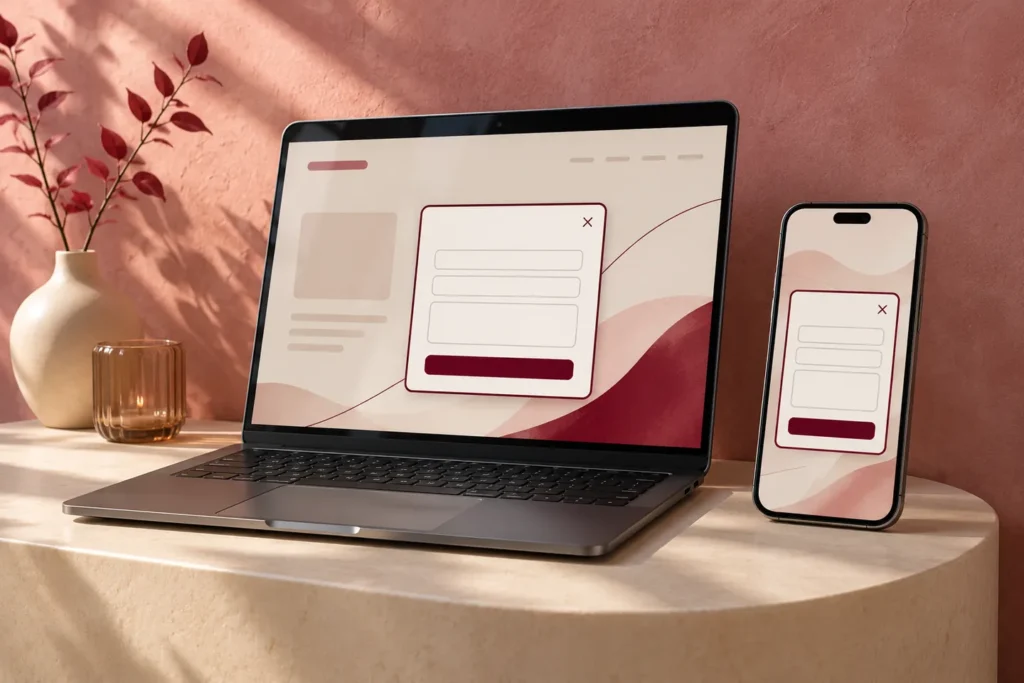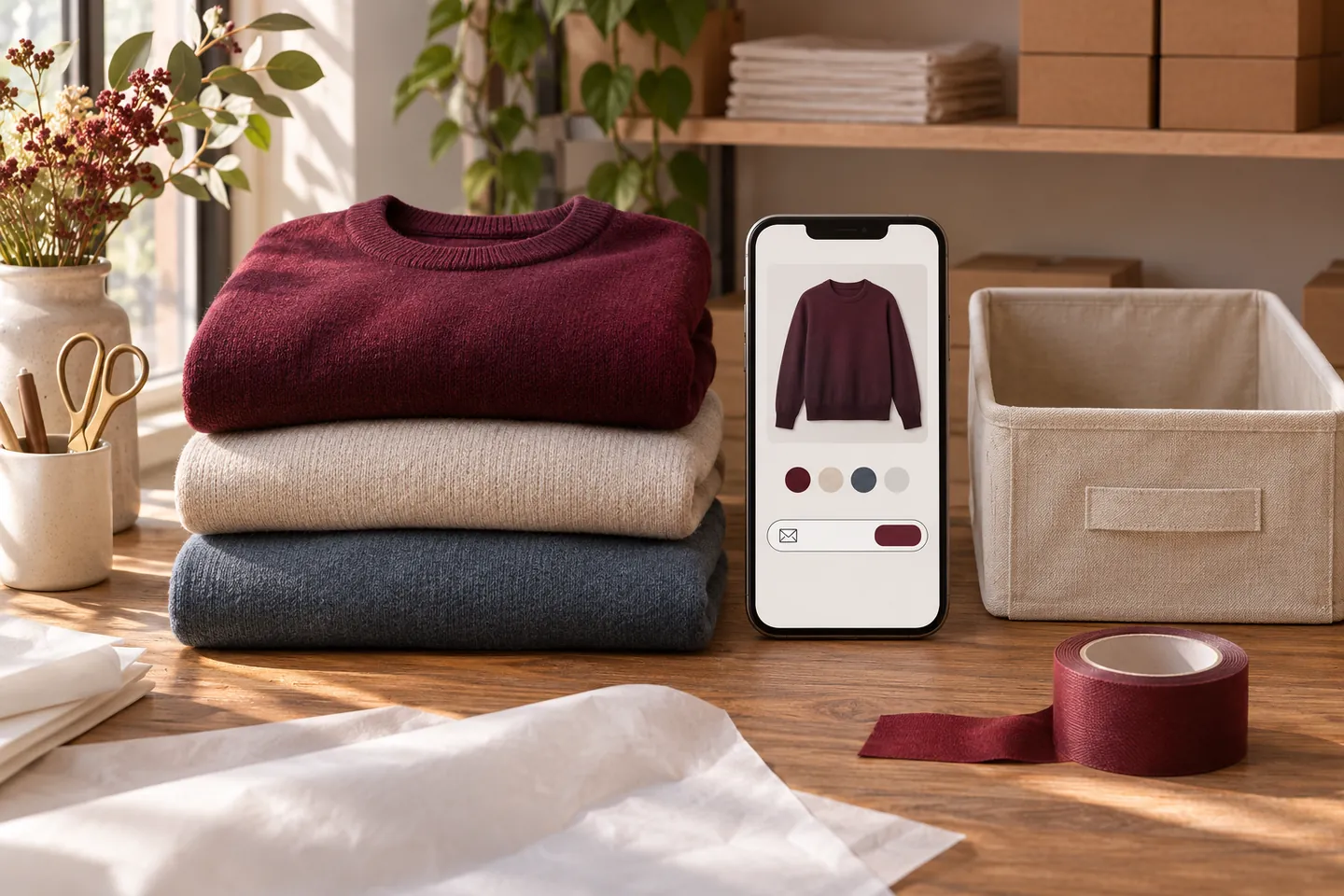
Editorial illustration of a restock alert for a fictional apparel store.
A shopper wants a burgundy sweater in medium. The small comes back first, and an email sends them to the default colour. From the store’s side a restock happened. From the customer’s side the product they asked for is still unavailable. Scope Shopify back-in-stock alerts around exactly what the shopper requested and what they can buy when the message arrives.
Collect the selected variant on the product page
Use a sample product with different combinations of size and colour. The notification control needs to respond to the chosen variant, show what the shopper is signing up for and confirm the request. Check that a later change to the selected size also updates the signup context.
Review quick views and collection cards if customers use them to select variants. Keep a route from those entry points to the full product page when shoppers need to make a selection there. If you are also rebuilding the selector, include the variant swatch and gallery behaviour in the test.
Decide what available means for the customer
Shopify Flow has a variant restock trigger for tracked inventory moving from zero or less to a positive quantity. That inventory event is a starting point. Your workflow still needs to check whether the variant can be bought through the intended storefront and fulfilment route. Shopify Flow restock trigger.
| Inventory change | What the workflow should check |
|---|---|
| The requested medium becomes available online | Confirm the variant is purchasable, then include its direct link in the alert. |
| A different colour is restocked | Match the signup to its original variant and keep that signup waiting. |
| Stock arrives at a pickup-only location | Check the store’s pickup and delivery rules before sending to shoppers expecting delivery. |
Test a cancellation that puts one item back and a restock large enough for several shoppers. Decide how many alerts to release when stock is limited and tell shoppers that availability can change.
Review the app, theme and delivery together
Check the theme’s sold-out state and the capabilities of your existing email or restock app. Confirm how it stores signups, prevents duplicates, applies the store’s consent settings and returns shoppers to the requested variant. Agree who owns any custom theme code and who can edit the message after handover.
Keep a record of the request and notification status so a retry can be checked against the original. Use a test product and approved addresses to verify a duplicate signup, a variant that sells out again and a link opened on a phone.
Start the estimate with two sold-out variants
Send your store URL, current theme, any installed restock app and two product variants that behave differently. Include the locations that fulfil online orders and any pickup-only stock. I can scope the storefront changes and the alert tests around those products before you roll it out to the full catalogue.