Illustrative workspace or planning imagery; not a delivered client system or a client-results claim.
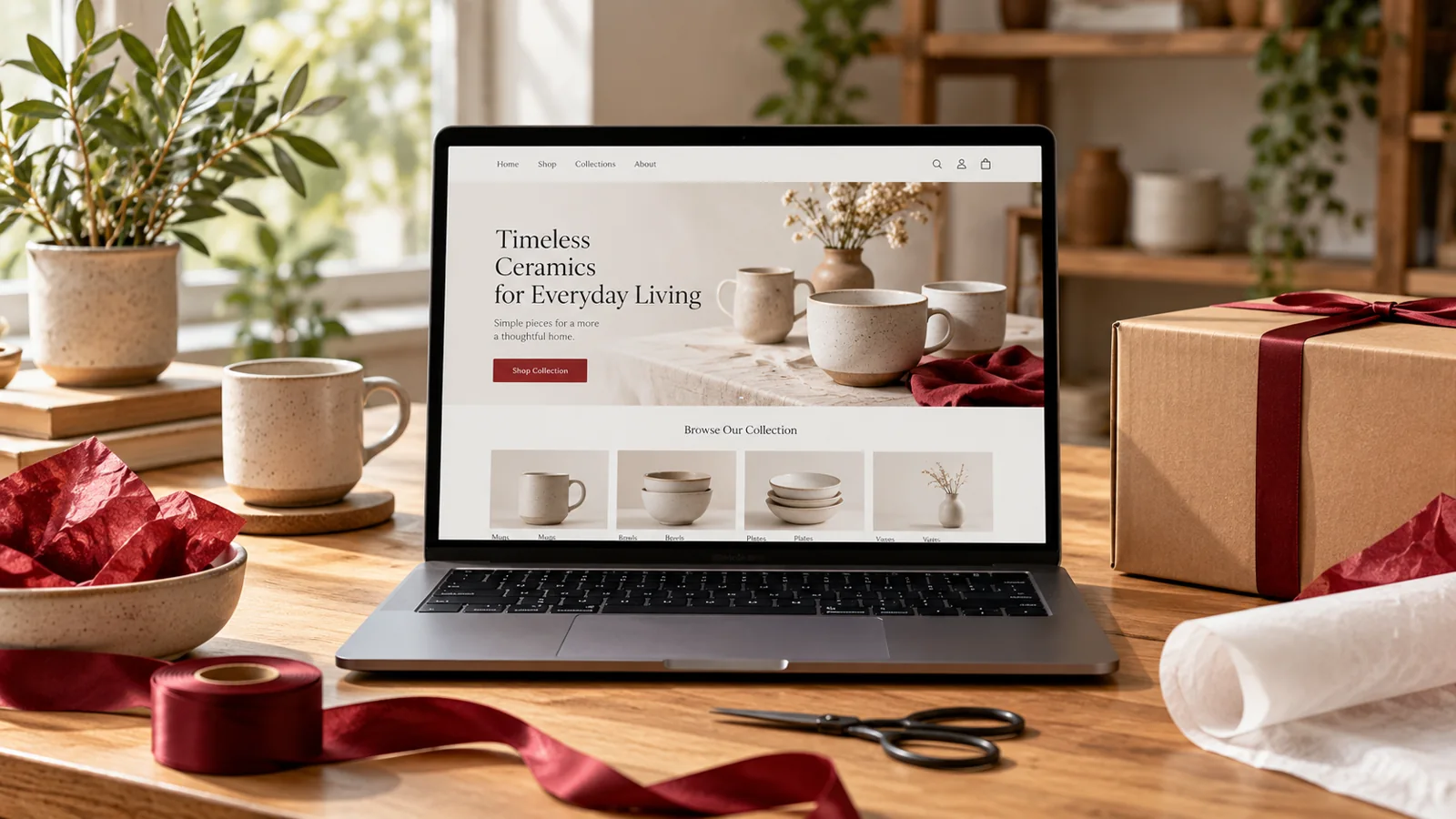
Your products come in different colours, finishes or sizes, but choosing an option feels awkward on the storefront. Perhaps the image does not match the selected colour, unavailable combinations are confusing, or the mobile gallery takes too much effort to use. A clearer product page starts with defining those behaviours before requesting a visual redesign.
My Shopify development service can be scoped around your theme, product information and the buying journey. This guide helps you prepare a swatch and gallery development brief, including checks that go beyond how the page looks in one screenshot.
1. Check what the current theme already supports
Start with the theme name, version and any apps that affect the product page. Identify which parts work already and which exact behaviour needs changing. Some requirements may be met through existing settings and product information; others may need theme development. A proposal should explain that assessment before adding a new dependency.
Bring a few representative product URLs, including a simple item and one with more complicated options. Describe the customer decision that is difficult. For example, a finish selector may need clearer labels rather than another animation. This gives the developer a problem to investigate and helps you compare proposed approaches against the same brief.
2. Define what choosing a variant must change
List the information that needs to stay consistent when an option changes. Depending on the product, that includes the selected option labels, price, availability, featured image and the item added to the cart. Make the expected behaviour explicit for a product opened through a direct variant link as well as one selected on the page.
Shopify’s theme documentation for variants describes variant selectors and direct-link handling. Use those behaviours as part of your acceptance brief. A colour choice that looks correct while adding a different variant is a functional problem, so visual approval should not be the only launch check.
3. Choose labels and swatches that describe the product accurately
Decide whether the selector needs colour samples, material images, written labels or a combination. The right choice depends on the actual product. A solid colour can be useful for a plain finish, while patterned fabrics or natural materials may need representative images and a written explanation of variation.
Ask who will maintain those values when products are added or renamed. Avoid relying on ambiguous file names or undocumented colour assumptions. Include a fallback for an option that has no swatch image. The customer should still have a clear way to understand and select it, while the merchant should know which information needs attention.
4. Map product images to the intended browsing journey
Agree which image should appear when the page opens, what should happen after a variant selection and how customers can browse the rest of the gallery. A product may need overall views, details, scale references or explanatory media. Collect the actual assets and describe their purpose before deciding on a gallery layout.
The official Shopify product media documentation distinguishes different media types a theme can display. Your brief should identify the types your store actually uses. Do not add video, zoom or other presentation features simply because they are available; specify how each one helps customers assess your products.
5. Make mobile and keyboard behaviour part of approval
Ask for checks on small screens, with long option names and with realistic product imagery. Customers should be able to see the current selection, understand which choices are unavailable and move through the gallery without controls covering important content. Discuss how the layout handles more options than fit on one line.
Include keyboard access and readable option labels in the acceptance criteria. A swatch should not depend entirely on colour to communicate its meaning, and an active choice needs a clear state. Agree how focus, selection and unavailable options will be checked. These are practical requirements for the implementation, rather than a claim that one component makes an entire store accessible.
6. Protect merchant editing and existing app behaviour
The finished work should leave the store team with an understandable way to manage product information. Ask what happens when someone adds a colour, changes imagery, duplicates a product or adjusts availability. Confirm which settings remain in Shopify and which depend on a theme customisation or app.
List interactions with reviews, subscriptions, size guides, translations and other relevant features already installed. Not every store uses these, but a developer needs to know which ones matter before changing the product template. Request a short handover that identifies the edited areas, merchant responsibilities and any change that should go back to the developer for review.
7. Agree a representative acceptance checklist
Choose a small product sample that covers the important combinations. Include products with missing optional imagery, long names and unavailable choices where relevant. Record the expected outcome before reviewing the implementation, so approval does not depend on whichever product happens to be opened first.
- Does the selected variant match the displayed information and cart item?
- Do direct links open the intended selection?
- Can customers use labels, keyboard controls and mobile interactions?
- Can the merchant add a new option without unexplained manual steps?
Plan the release and a suitable post-release review. A demonstration of the selected components is useful evidence of implementation; it is not a guarantee of a particular conversion-rate increase.
8. Request a proposal around your product page
Send your store URL, theme name if known, representative product links and a short description of the behaviour you want to improve. Include examples of the actual product assets available and any apps that affect selection or the gallery. Mention which person will review the work and manage products afterwards.
I can use that brief to discuss an implementation approach, dependencies and acceptance checks. Review Shopify storefront development and request a product-page development proposal. Share requirements through the enquiry form; collaborator access and any necessary store permissions can be arranged through the appropriate process once the scope is agreed.