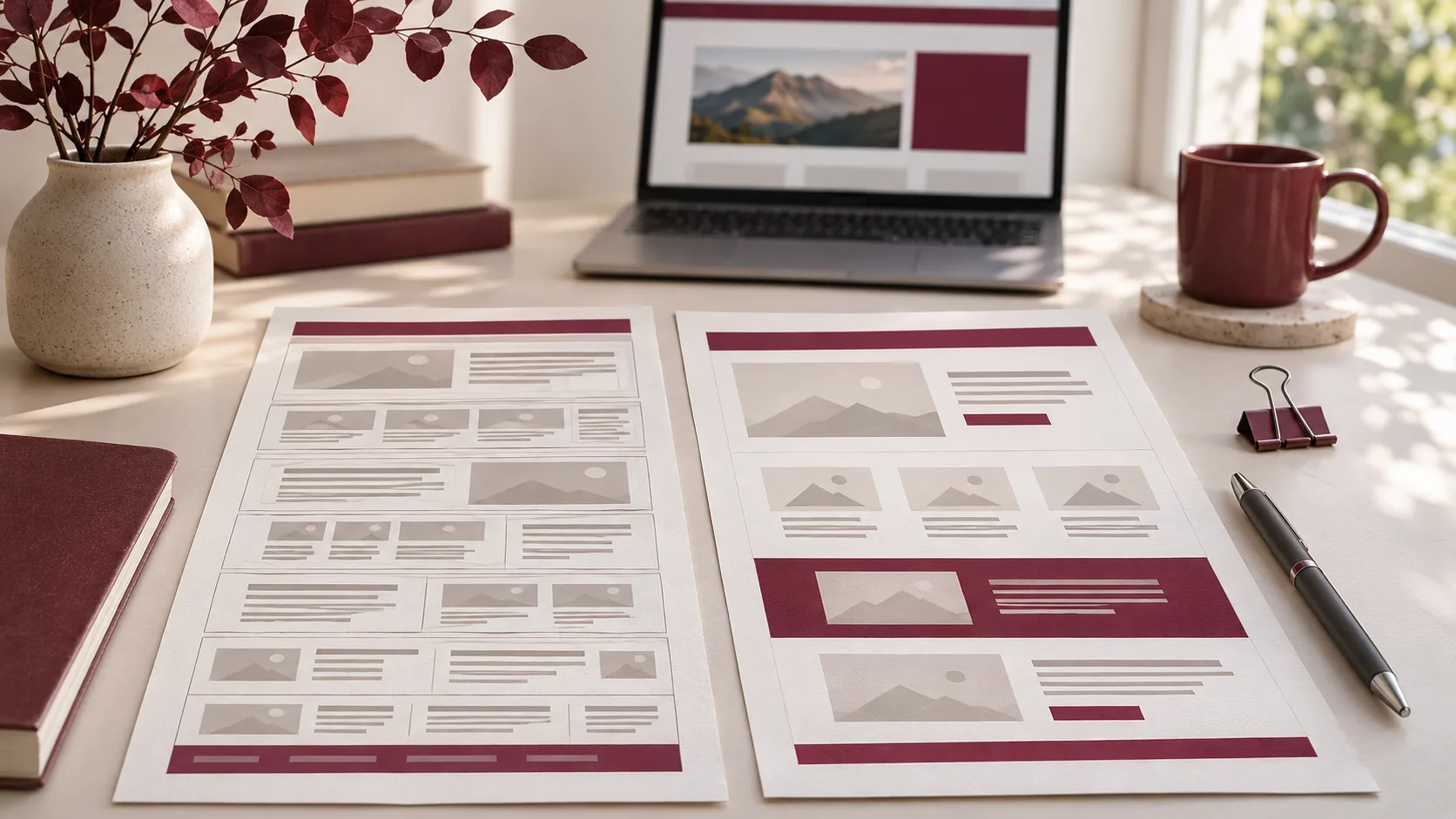
Illustrative layout sheets for a fictional page builder migration.
Your WordPress site still works, but every layout change takes longer than it should. The original pages use WPBakery, some elements came from the theme and important enquiries still arrive through those pages. A WPBakery to Elementor migration starts by recording what those elements do and what the new editor needs to support.
Choose a small group of real pages for the first rebuild. Compare their URLs, mobile layouts and enquiry behaviour in staging. The results give you a practical estimate for the rest of the site.
Group the pages by layout and behaviour
Collect the public URLs, page titles and the editor each page uses. Group pages that share the same section patterns. Put older landing pages, translated pages, SEO landing URLs and pages with unusual forms in their own review group.
Record which components come from WPBakery, the current theme or another plugin. A testimonial grid may be a theme shortcode, while the form may have a separate plugin and delivery setup. Ask who owns each dependency and what editors should be able to change after the rebuild.
Decide how each shortcode will be handled
Look at the layout and the source together. A short block of formatted copy can often become a native text widget. A carousel with custom logic needs an agreed equivalent and a mobile check. An embedded enquiry form can retain its provider when the existing behaviour and licensing fit the project.
Keep a list of shortcodes that are used outside page bodies, including templates or widgets. Plan replacements before withdrawing an old component. The WordPress and WPBakery references explain how shortcodes are registered and how WPBakery can use third-party ones. See WordPress’s shortcode handbook and WPBakery’s Shortcode Mapper.
Rebuild three representative pages first
For example, a fictional consultancy has twelve service pages. Nine share a layout, two have a different hero and one uses a form that sends to a separate inbox. The first sample includes a regular page, a hero variation and the specialist form page. The team can then quote reusable work separately from page-specific work.
| Source element | Destination | Review check |
|---|---|---|
| WPBakery intro layout | Native Elementor container, heading, text and image. | An editor changes the copy and checks phone widths. |
| Theme CTA shortcode | Reusable button style with the approved destination. | The link and its keyboard focus are clear. |
| Existing form embed | Approved form and same delivery workflow. | Check required fields and an approved staging submission. |
Carry over the public URL and search settings
Record the current slug, public URL, title, main heading and canonical before approving changes. When the page continues to serve the same purpose, the existing URL can often stay. Where the brief calls for a new URL, include a mapping from the old page to the destination and check the redirect.
Compare internal links, SEO descriptions and important images after rebuilding. Include navigation and any Elementor templates that apply to the page. Agree which campaign links and form references have to keep working on launch day.
Give editors a short acceptance test
Let an editor replace an image, update the CTA and edit the heading on a sample page. Check whether the intended template applies on the public URL and validate the change in a logged-out view. The Elementor live-page troubleshooting guide shows how to compare those views if a change appears stale.
Confirm who reviews the release, what happens to recent enquiries and which pages still depend on the old builder. Include the staging-to-live release checks if other staff will be updating the production site during the work.
Send the URLs that show the real scope
Share the public website, theme name, approximate page count and three example pages with different layouts. Identify any forms, custom elements or editing tasks the team uses often. I can review those examples and quote a representative Elementor rebuild before estimating the remaining pages.