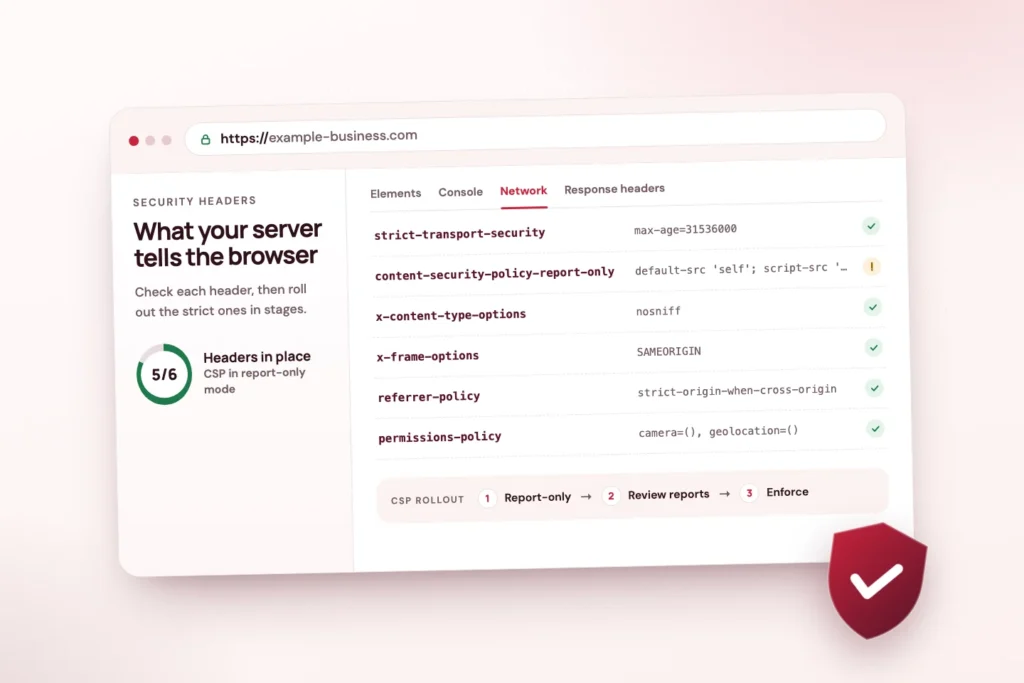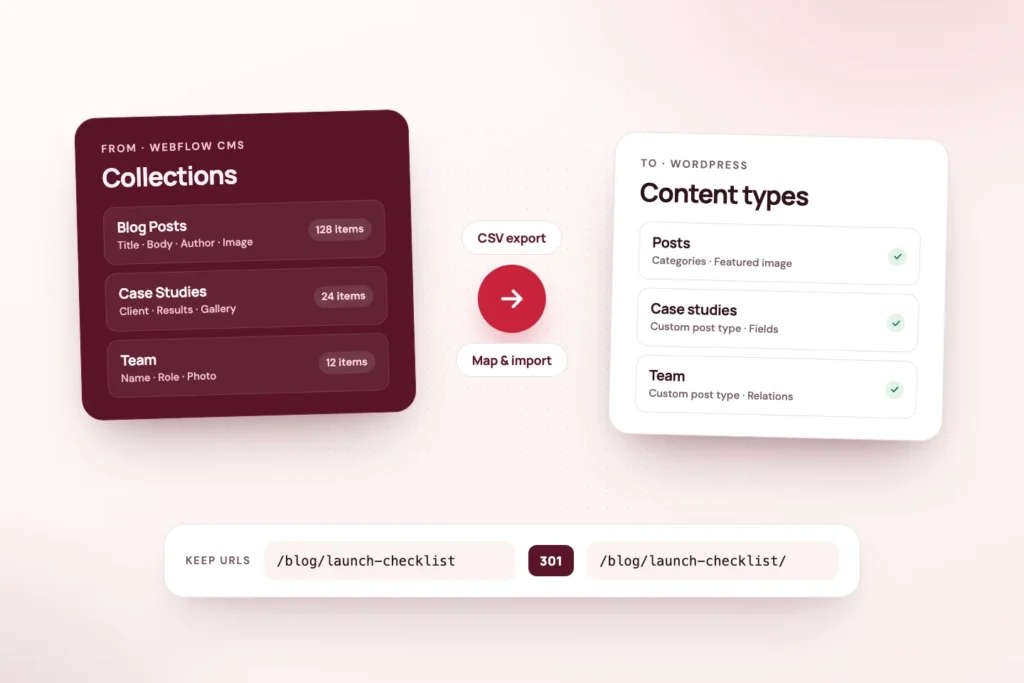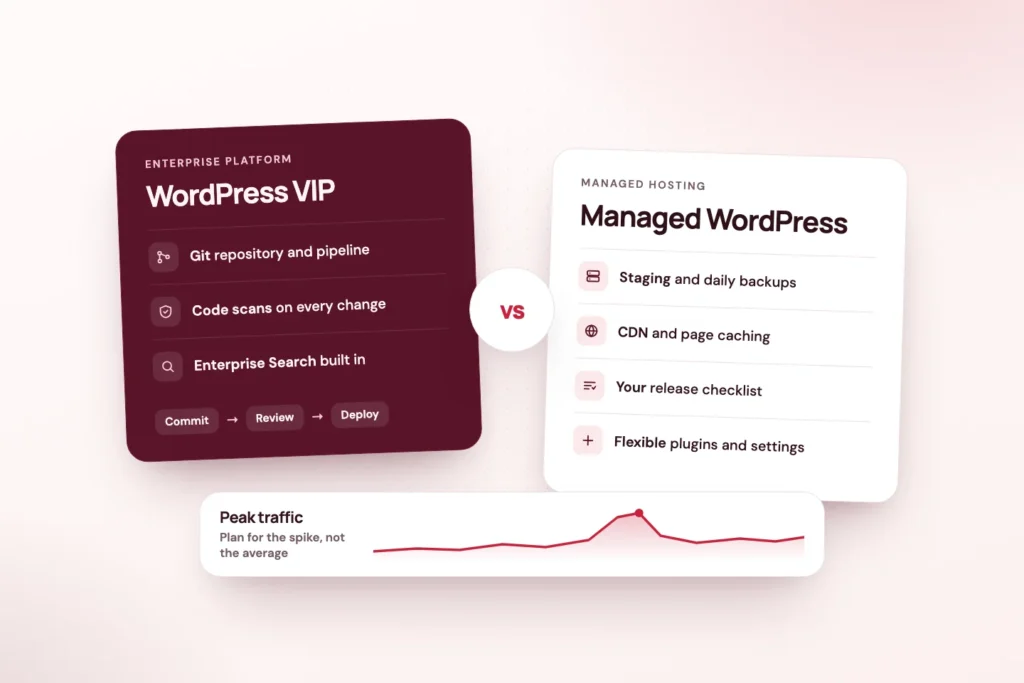
Illustrative development workspace or concept artwork; not a photograph of a client office or evidence of a completed project.
Copying a live WordPress site into staging can also copy real enquiries, customer details, email settings and working integrations. For a Danish agency outsourcing development, that creates a delivery question before anyone changes a page: what information should the partner receive, and which production actions must remain disabled?
My white-label WordPress development service works with an agreed access and release brief. I’m based in India, so agencies should resolve remote access and any required contractual arrangements before sharing personal data. A useful staging environment contains what the job needs, with deliberate boundaries around the live website.
Decide what the developer actually needs
For a brochure-site redesign, approved content, layout examples and fictional enquiries may be sufficient. A fault in a particular integration might need a more realistic example, but that is a reason to prepare a limited case rather than automatically sharing a full production database. Identify the smallest useful dataset for the task.
Denmark’s Datatilsynet guidance on controllers and processors is a starting point for assigning responsibilities. Have the agency determine the applicable arrangement and access instructions. Do not assume that a white-label commercial agreement by itself resolves every question about handling client information.
Restrict staging access, not only indexing
A staging site should have an appropriate access control, such as host-managed authentication, plus separate credentials for authorised reviewers. An obscure address is not a meaningful permission system. Check access to uploaded files as well as the main homepage, particularly when documents were copied from production.
Google explains in its noindex documentation that a crawler must be able to see a noindex rule for it to work. Search indexing controls are not a substitute for privacy or authentication. Treat access restriction and search visibility as different requirements, and verify each according to the project brief.
Replace live integrations with safe equivalents
Review outbound email, CRM connections, booking systems, payment settings and automation webhooks before opening staging for work. A copied configuration can send notifications to the real sales team or update a live record. A contact-form test should not accidentally become a genuine client enquiry or trigger an operational workflow.
Use agreed test recipients and sandbox services where available. Where a provider has no sandbox, decide which actions are disabled and how final verification will be authorised. Record each substitution, including configuration that must change at launch. Keep secrets in the appropriate server or application settings rather than in review screenshots or task comments.
Give every reviewer a clear access level
Create named accounts with permissions appropriate to their work. A copy editor does not automatically need plugin installation rights, and a developer should not keep an unnecessary account indefinitely after handover. Define who can grant access, approve configuration changes and remove accounts.
Keep an access list with its owner, purpose and removal point. Share credentials through the agency’s approved method rather than placing a password in an open project ticket. When the client asks for another reviewer, check whether they need viewing access, content editing or administrative control. Those are different requests with different risks to the release.
Make the staging and production difference visible
Put a clear staging label in the review environment and document its expected differences from production. Test recipients, unavailable integrations and placeholder content should be easy for the agency to identify. Otherwise a reviewer may report an intentional restriction as a bug or approve a journey that still needs a live configuration.
Keep a release checklist next to the task board: approved version, content freeze, environment settings, domain links, cache treatment and deployment owner. If a site stores new submissions during development, do not overwrite those production records with an older staging copy. Decide how code, configuration and content will move separately.
Recheck the journeys that produce enquiries
After an authorised deployment, verify navigation, the main enquiry path, required fields, visible confirmation and the receiving system. Also check links, downloads, consent behaviour and the absence of staging-only restrictions on the public site. Use a clearly labelled test only when the agency has authorised it.
Capture the result for the agreed release rather than relying on a previous staging pass. A working staging form does not prove production credentials or email routing are correct. Name the person who decides to pause or roll back a release if a critical journey fails, and keep the incident communication route available.
Close the temporary environment deliberately
At the end of the project, decide whether staging remains for maintenance, is restricted to a smaller team or is removed. Revoke temporary access and clear test data according to the agreed instructions. If it remains, identify who maintains its software and prevents it from becoming an abandoned copy of the client site.
Handover should include environment differences, account ownership, integration locations and any unresolved dependency. It should not include credentials in a general document distributed to every reviewer. A short, accurate environment register is more useful than a lengthy manual that omits the settings needed for the next release.
Request a staging-aware development quote
Send the website URL, the work required, hosting details, an outline of available staging facilities and the integrations that can create real-world actions. Explain what example data can be supplied, who approves access and whether an existing deployment process must be followed. Flag any data-handling agreements required before work starts.
Through white-label WordPress development for agencies, I can quote a defined build or improvement with a practical release checklist. Start with one controlled project so your agency can evaluate the communication, implementation and handover before repeating the process across other client websites.