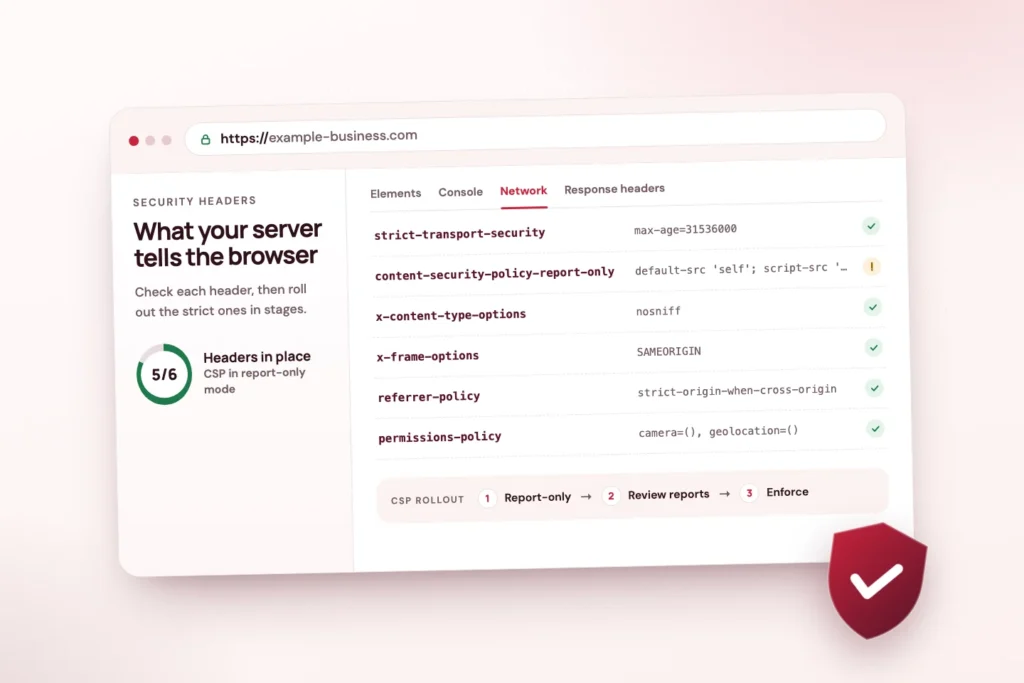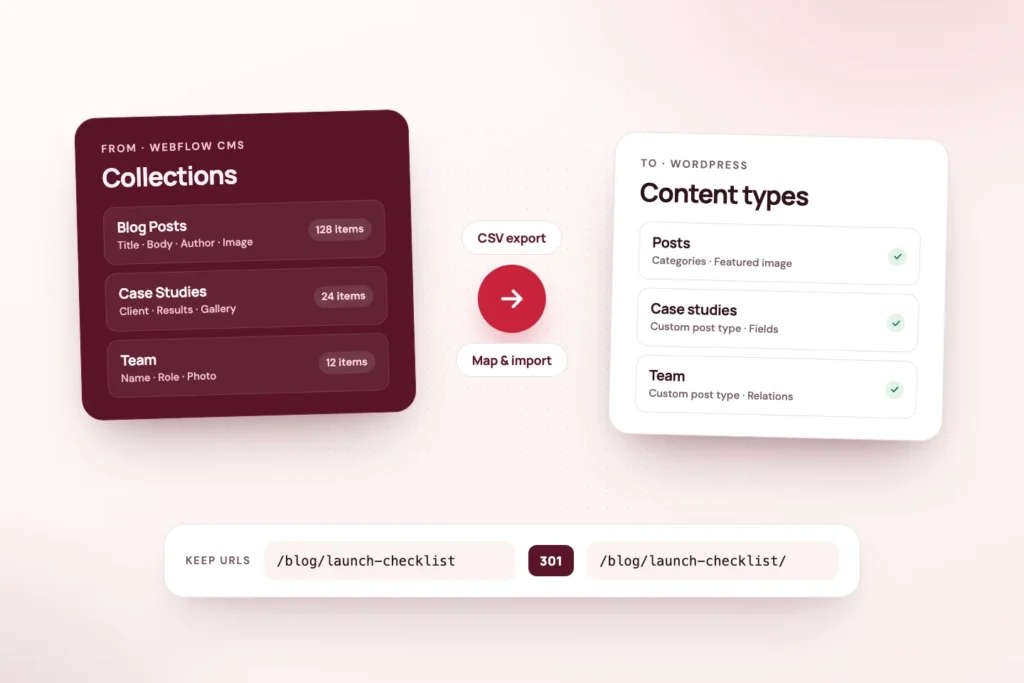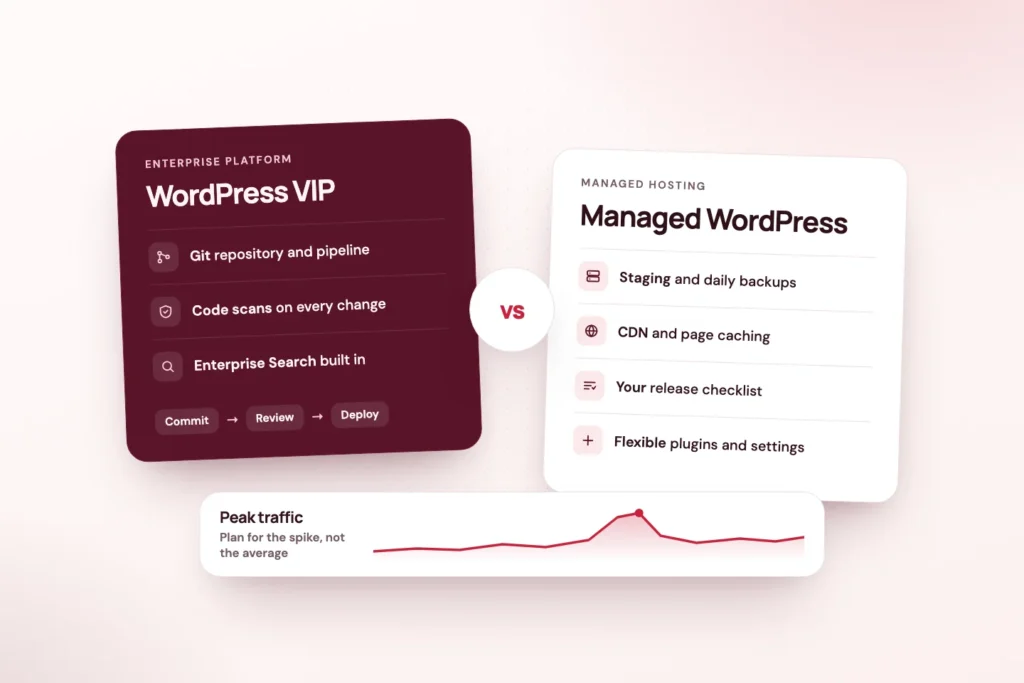
Illustrative development workspace or concept artwork; not a photograph of a client office or evidence of a completed project.
An agency client asks for a small connection between its website and an internal system. The request sounds simple: send a form to the CRM or show an availability value on a page. The real scope appears when you ask who may change the settings, what happens during an API failure and who maintains the connection after launch.
For Austrian agencies buying custom WordPress plugin development, the most useful starting point is a workflow brief. I work remotely from India and can discuss a defined white-label implementation while your agency owns the client relationship.
Describe the business action without choosing a plugin first
Start with the person, trigger and expected result. For example, a visitor submits an approved enquiry and a matching record should appear in a particular CRM pipeline. Identify which fields are needed, which values are optional and how the agency will verify a correct result. This is more useful than asking for an unspecified API integration.
Also describe what the feature should not do. It may not need to synchronise every customer, expose internal notes or create a public account system. Boundaries make a fixed-price proposal clearer and reduce the chance that the developer builds a large administration interface for a single narrow business action.
Provide API documentation and representative examples
Before estimating, supply the vendor’s current API documentation, authentication method, relevant limits and a safe example response. Confirm whether a sandbox exists and who can grant authorised access. Do not send live credentials or a spreadsheet of real customer information as the first project attachment.
Identify the system that owns each value. If a website and a CRM both allow a contact detail to change, the quote needs an explicit conflict rule. If the connection is one-way, state that clearly. Ask what happens when a field is renamed, an option disappears or the vendor changes its response format.
Put permissions on the acceptance checklist
The WordPress security guidance emphasises validating input and escaping untrusted output. Translate that into reviewable requirements: who can save settings, which values are accepted and which external content may be displayed. A successful administrator demonstration does not prove that a less privileged account is properly restricted.
WordPress also explains that nonces do not replace authentication or authorisation. A brief should distinguish a request token from a permission check. Include unauthorised and invalid-input cases in the agreed tests so the agency has evidence beyond the normal successful submission.
Choose failure behaviour before writing retry logic
List likely failures: the external system is unavailable, an access token expires, a request is rejected or a response arrives twice. Decide whether the website saves a pending action, reports an error or requires an administrator to intervene. Avoid silently showing success when the required downstream action did not happen.
Retries need limits and duplicate rules. Repeating an enquiry request should not create a series of indistinguishable sales records. Agree how errors are visible to the authorised team and what information can be logged. Keep personal details and secrets out of general error messages sent to visitors or pasted into shared tickets.
Specify the admin experience the agency will inherit
A custom plugin needs useful controls, not necessarily a large dashboard. Name the settings the agency must change: the receiving endpoint, an approved mapping, an enable switch or a notification destination. Explain which changes require development work and which can be managed without editing code.
Request clear labels, validation and a way to understand the connection’s current state. If records can be reprocessed, describe the approval required and how duplicates are prevented. An agency support person should be able to identify the next action without learning the plugin’s internal code or sharing a screenshot containing an API secret.
Keep business functionality separate from visual layout
A workflow integration should not disappear because the client changes a theme. Agree where the functionality lives, how it is installed and what is required to keep it active. If a page builder supplies the visitor-facing form, document the field identifiers or hooks that connect it to the custom plugin.
Include ownership of source code, repository access and any third-party library licences in the proposal. Clarify whether the price covers an initial build only or ongoing compatibility work. An update-safe structure reduces coupling, but no developer can promise that future third-party changes will never require maintenance.
Ask for a small but meaningful test plan
Use representative fictional data to check success, rejection, timeouts, repeated actions and permissions. Confirm which WordPress and PHP versions form the acceptance environment and identify other plugins essential to the workflow. The test plan should make clear which systems were simulated and which were checked against an authorised vendor environment.
Handover should include installation instructions, configuration locations, known limitations and the agency’s route for reporting a fault. If the integration handles personal information, the client should approve retention, access and processing arrangements. Development can implement those decisions; a plugin does not determine the client’s legal obligations on its own.
Send a brief that separates a pilot from the full roadmap
Share the website URL, desired workflow, vendor documentation, sample field mapping, access roles and acceptance cases. Mark one business action suitable for a paid pilot. Additional synchronisation directions, reporting or automation can then be estimated as explicit extensions rather than quietly entering the base quote.
Review my development portfolio and discuss the workflow through custom WordPress plugin development. I can help your agency turn the integration idea into a defined implementation proposal, including assumptions and dependencies your client needs to approve before work starts.