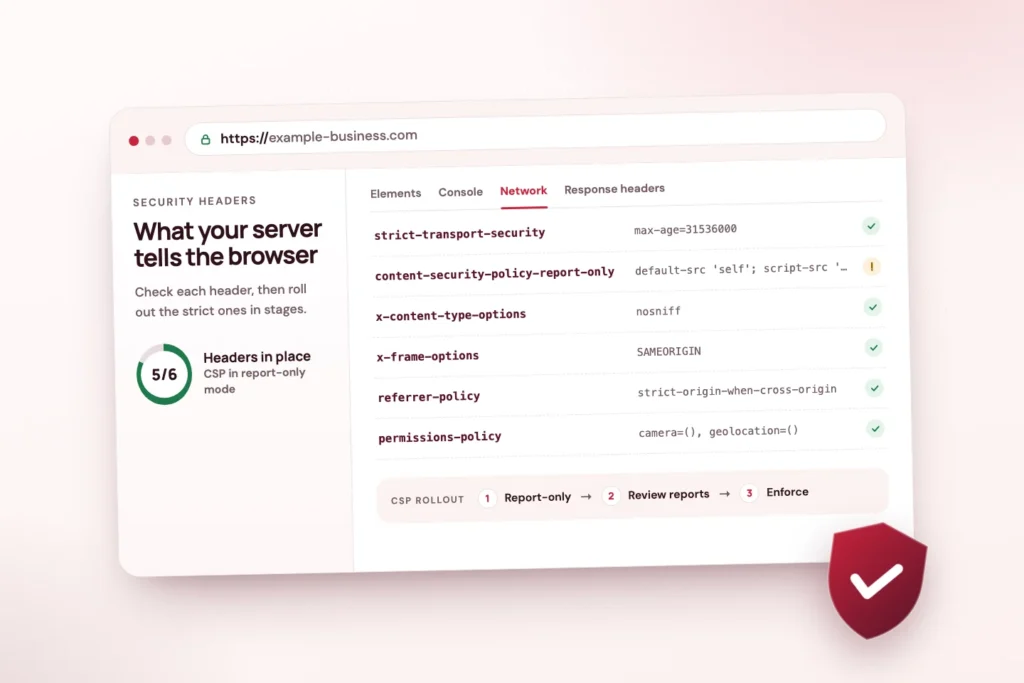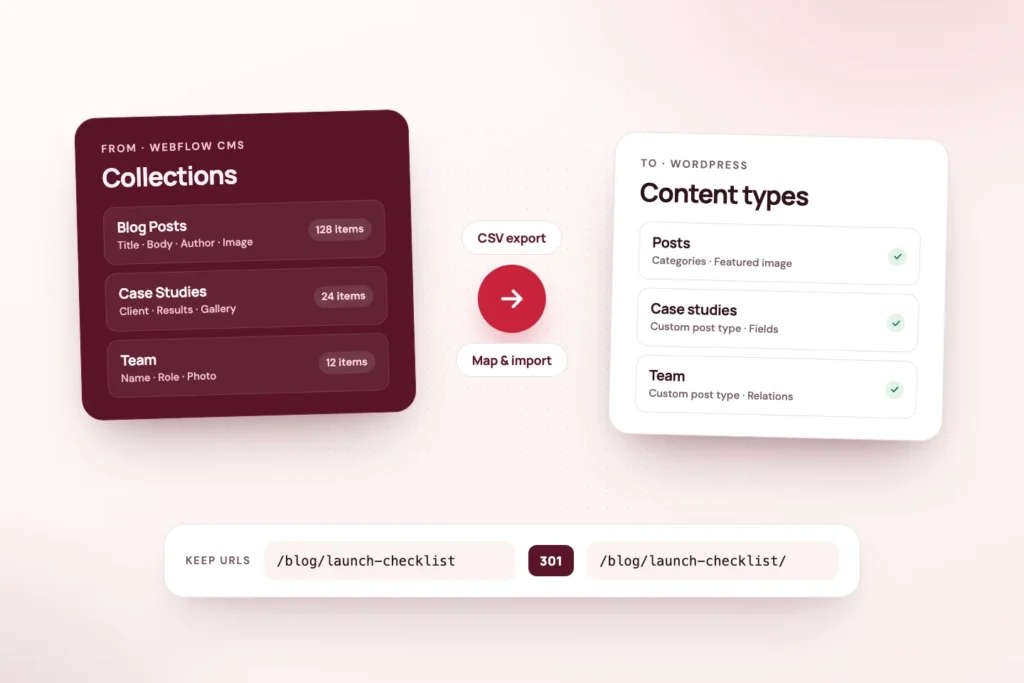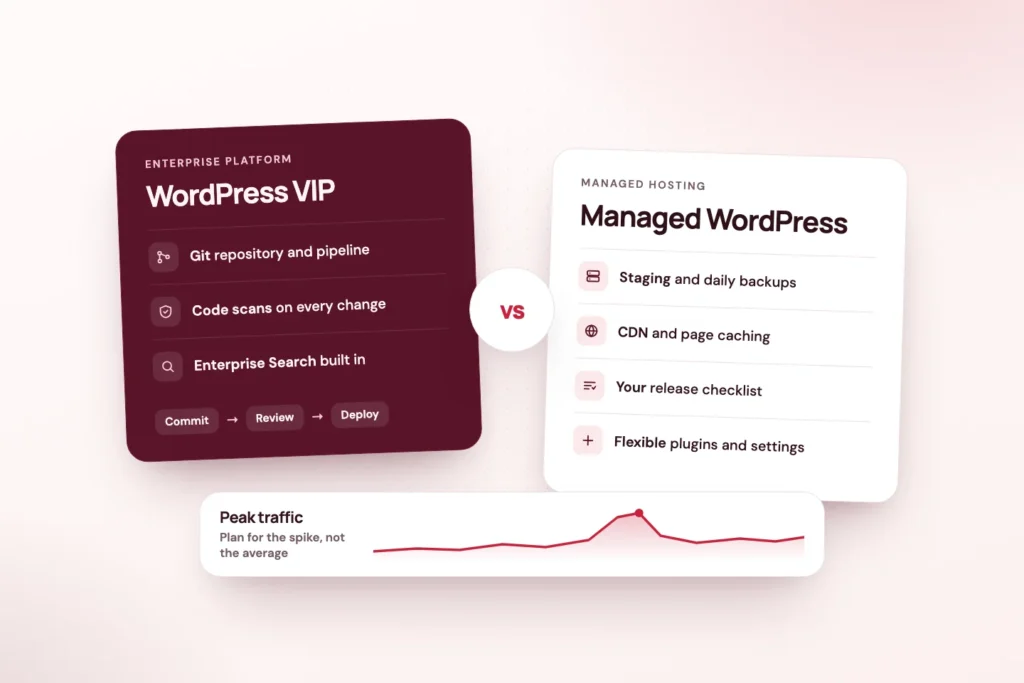
Illustrative workspace or planning imagery; not a delivered client system or a client-results claim.
A successful backup notification does not answer the question that matters during an outage: can someone recover a usable website from it? A business website might reopen while its enquiry form, uploaded files or recent changes remain incomplete. Buying maintenance should include a discussion about how recovery would be checked, rather than relying only on the existence of an archive.
My WordPress maintenance service can be scoped around your website, responsibilities and recovery requirements. Use this checklist to request a controlled restore rehearsal and understand the evidence you should receive. This is a commissioning guide, not an instruction to overwrite a live website.
1. Define what a usable recovery means
Describe the website tasks your business needs back. For a company site, these may include reading service pages, opening documents, submitting an enquiry and accessing the editor. Identify integrations that support those tasks, such as email delivery, a CRM connection or an external booking link. A recovered homepage alone does not demonstrate that the complete journey works.
Choose representative checks with the person responsible for the website. Record what will be inspected, who will accept the result and which services sit outside the developer’s control. If a third-party system is unavailable, the report should show that limitation instead of treating a successful page load as proof of complete recovery.
2. Confirm which files and records are covered
Ask what the backup contains and what would be needed to use it. WordPress content and settings depend on a database, while uploaded media, themes and plugins involve files. Hosting configuration and separately managed services may need their own recovery arrangements.
The official WordPress backup guidance explains the distinction between site files and database protection. Use that distinction when reviewing a proposal: a content export should not be casually described as a complete recovery package. Ask how the chosen copies relate to one another, where they are stored and how an authorised person obtains access when the normal website login is unavailable.
3. Agree a safe place for the rehearsal
A recovery rehearsal should have an agreed environment and an owner. I recommend an isolated staging or temporary hosting environment, with controls to prevent real customer communications, payments or automation from running during the exercise. The exact arrangement depends on the website and the services connected to it.
Clarify how production information will be protected and who is allowed to see the restored copy. A test environment is not automatically private simply because its address is unfamiliar. Agree access restrictions and the handling of sensitive records before copying them. The rehearsal brief should also explain how the temporary environment is managed after the agreed checks are complete.
4. Discuss the age of the data you could recover
Ask how much recent work might be missing from the selected recovery point. The practical question is specific: if this copy were used, which newly submitted enquiries, edited pages or uploaded documents would need reconciliation? Different websites have different tolerances, so avoid accepting a generic schedule without relating it to your activity.
Keep a target recovery window separate from a delivery guarantee. A rehearsal can record the steps and time observed in that particular environment, but an actual incident may involve other dependencies. Agree the intended recovery point, access arrangements and decisions that would require business approval before a live restoration. That makes the limits of the plan understandable.
5. Check the enquiry journey without contacting real leads
The acceptance checklist should cover the public form, the saved submission and the notification route as separate steps. A visitor seeing a confirmation message does not by itself establish that a notification reached an inbox. Similarly, a failed email should prompt a check of whether the enquiry was recorded.
Use agreed test data and obtain permission before sending a test notification. Record the result of each stage and any provider connection that needs attention. Also check destination links and the correct website address after recovery. The aim is a practical account of what was verified, with customer communications controlled throughout the rehearsal rather than triggered accidentally.
6. Include version and update dependencies in the brief
The recovery plan should identify the environment the website needs, including relevant WordPress, PHP, theme and plugin dependencies. Ask who will investigate compatibility problems if a restored copy behaves differently on the available hosting. Having an archive does not remove the need to understand the software it contains.
WordPress’s upgrading guidance also treats preparation as part of an update process. For a maintenance proposal, agree how updates and recovery readiness relate: which changes are checked first, which require approval and how a problem is reported. This is especially useful when hosting and development are managed by different people.
7. Request an evidence record and an owner for gaps
Ask for a short report that identifies the recovery copy, the test environment, checks performed, results and unresolved issues. It should be possible to distinguish a working item from an item that was not tested. Screenshots can help, but they should accompany a clear account of the task checked.
- Which pages and files were inspected?
- Did representative editing and enquiry tasks work?
- Which external services were checked, simulated or excluded?
- What needs correcting, and who owns the next step?
Agree a suitable review schedule after understanding the website’s change rate and responsibilities. An example checklist is not a promise of continuous recovery testing within every maintenance engagement.
8. Send a maintenance brief that includes recovery expectations
Share your website URL, hosting arrangement, current backup method if known and the business tasks that must work after an incident. Mention who manages your domain, email provider and integrations. You can describe access limitations without sending passwords, backup archives or customer records in an initial enquiry.
I can review that context and discuss a scoped maintenance and recovery-check proposal. Explore WordPress maintenance and ongoing support, then send your website maintenance brief. Recovery testing, corrective development and incident response should have clear responsibilities and an agreed scope before work begins.